
Advanced search & saved searches: our January updates to Kortext acquire
Kortext acquire is our content acquisitions platform, providing HE librarians with a gateway to over 3.5 million academic titles and a flexible range of library licenses as provided through our publisher partners.
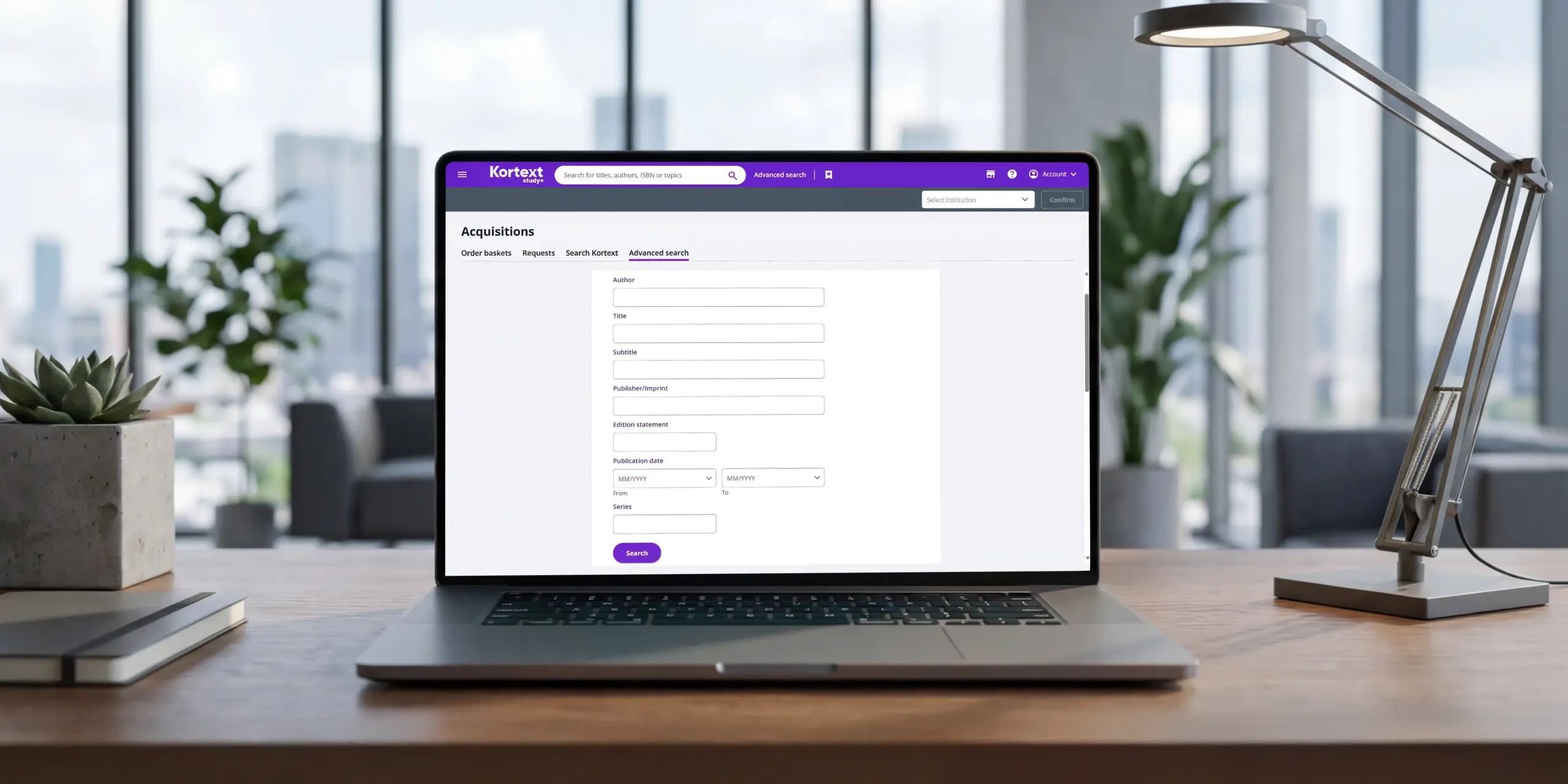
We’re excited to introduce enhancements to our search functions throughout acquire, most notably through our advanced search feature, enabling librarians to search through our rich bank of content with additional book details than just title.
What is advanced search?
In our latest update, librarians will be able to create highly specific search queries to find the exact content they need in the Kortext inventory, including:
- Author
- Title
- Subtitle
- Publisher/Imprint
- Edition statement
- Publication date
- Series
- Format
- Number of pages (from & to)
- Language
- Description
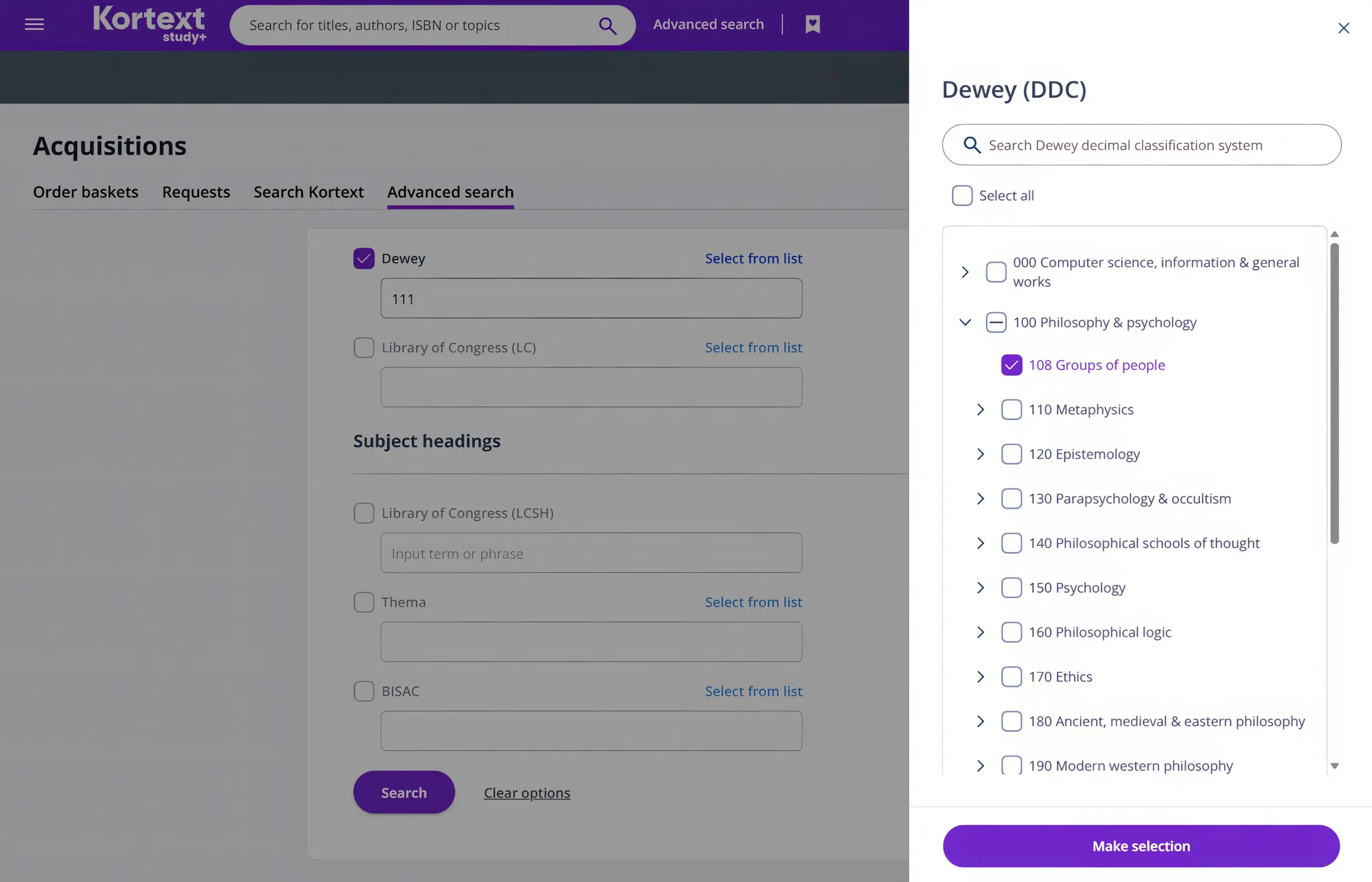
- Classification (Choose from Dewey and the Library of Congress LoC)
- Subject headings (Library of Congress Subject Headings LCSH, Thema and BISAC)
Other enhancements
- Universal basic search bar –our new search bar will appear in the top toolbar, so you can quickly look up titles from anywhere in acquire.
- Saved searches– Revisit your saved searches by clicking the bookmark icon in the top purple toolbar. This opens a sidebar where you can switch between basic and advanced searches, and even search within your saved results.
If you’re already an acquire user, log in now to see our latest updates.
Introduce integrated content acquisition at your institution – talk to us today.