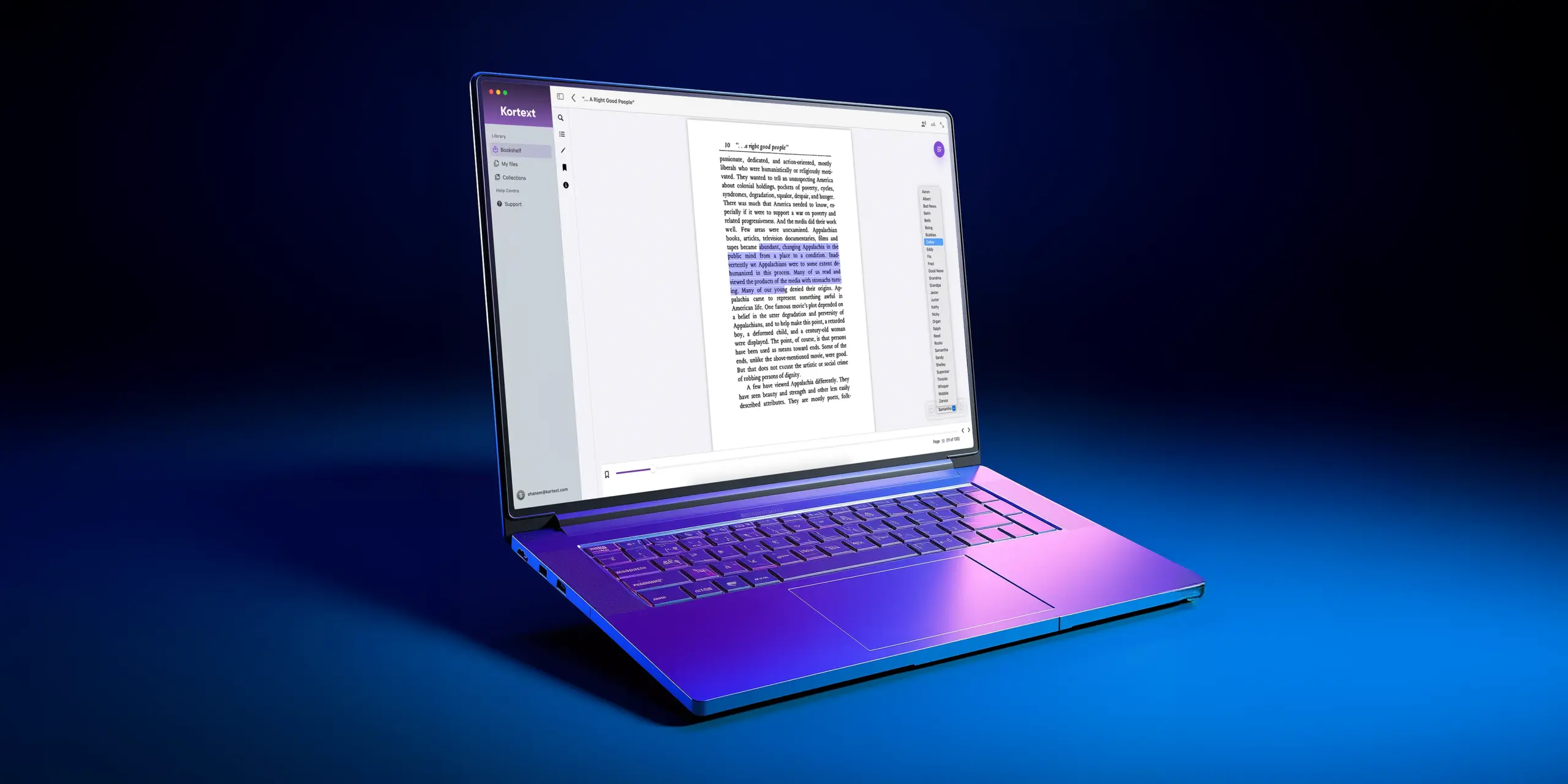

Read aloud now available on the Kortext Mac app
Our December 2025 release focuses on mobile and desktop app enhancements.
Eagle-eyed Apple users may have noticed that one of our features, Read aloud, is available on the browser and mobile apps but was not previously available on the Mac desktop app…
Just in time for Christmas, we’re pleased to announce that the Mac app has joined the Read aloud family and now has a dedicated text-to-speech feature, promoting accessibility and flexible learning for all students.
Mac users can now listen to their content in two different ways:
>Chosen areas of text: Click and drag your cursor to highlight text and click Read aloud from the pop-up menu.
>Whole page: Select Read aloud from the top toolbar to listen to your entire page from top to bottom.
As the text is being read, a menu screen will appear so you can choose an alternative narrator and pause and play the reading as you wish.
As well as our Mac app updates, we’ll also be making some minor adjustments to our iOS, Windows and Android apps, including:
Mac & iOS
- New low volume notification if users are accessing Read aloud on 0% volume.
Windows
- Enhancements to the narrator voice
- New mute/unmute button
- In-app media now responds to keyboard shortcut buttons (pause, play, etc.)
- In-app media player has a new enhanced look.
Android
- Change Read aloud through your device settings
- New progress bar added to the Read aloud menu that syncs with the content currently being read.
Check out our video library or download our apps to see the updates for yourself!