
Hybrid learning: the best of both worlds
Switching between in‑person and remote learning can sometimes feel chaotic, despite offering flexibility around social life or part-time work. Read on to discover some tools you can use to stay on top of your workload when travelling between home and campus.
The challenge
Students don’t have it easy. In most cases, going from an in-person learning model – like school or college – to a university campus, where you have the freedom to learn wherever you want, can be an intimidating experience.
This change of formats, from folders and written notes to digital sources on laptops or tablets, can be a shock to the system. As can juggling sessions on campus with online sessions at home, not to mention commuting between the two.
But you’re not on your own.
When learning happens in different locations, it’s easy to lose track:
- Notes end up scattered across notebooks, screenshots and apps
- You forget where you highlighted something important
- Frantically trying to find the right reading before a seminar
- Group discussions feel disconnected from your independent study
We’ve prepared some tips and tricks for helping you juggle both in-person and on-campus study.
One place for all your resources
A simple way to reduce stress is to keep your study materials in one central space. Be it your university’s VLE, organised folders of notes on your laptop or device, notebooks for different modules: whatever it may be, make life easy by knowing exactly where everything is.
Or, use Kortext!
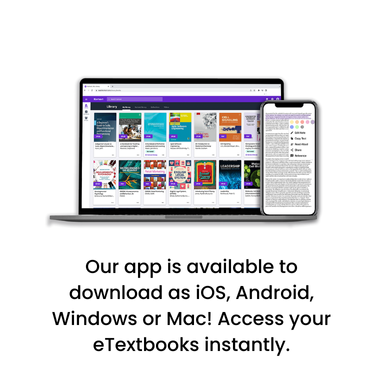
With Kortext, learning content is accessible online and offline using our mobile and desktop apps, syncing updates seamlessly across devices and integrating directly with your university VLE!*
This means:
- No re‑downloading files
- No duplicated notes
- No ‘I swear I read this already’ moments
One bookshelf. One login. All your notes and digital learning content.
Annotate as you go
Lectures move fast and can often be information‑heavy, it can sometimes feel impossible to keep up when taking your own notes.
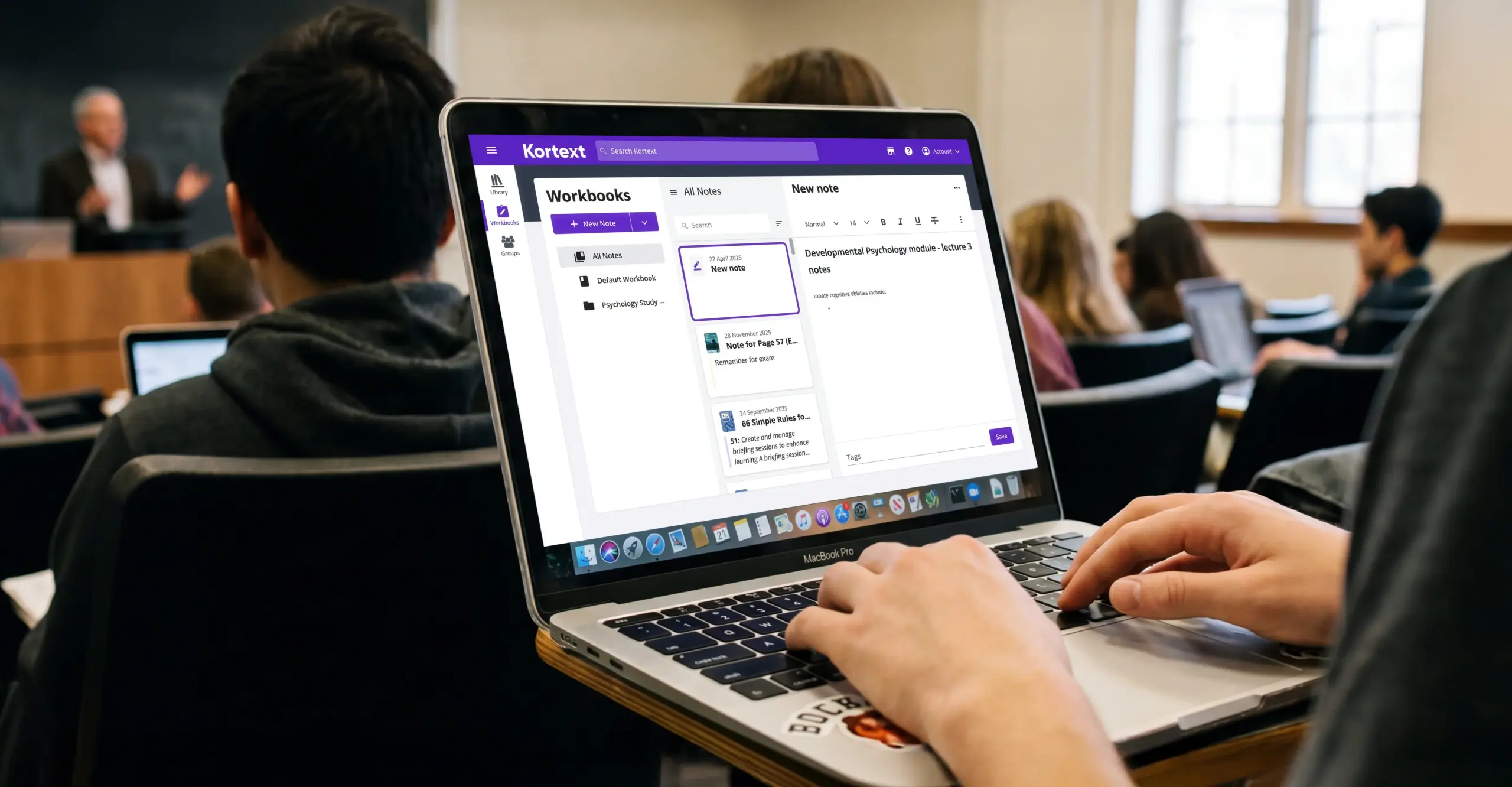
Kortext’s highlighting and note‑taking tools make it easier to actively engage with your reading alongside both online and in-person lectures.
Try this approach:
- Highlight key concepts before a lecture so you can follow along
- Add quick notes during or after sessions
- Colour code highlights to separate themes or modules
Because your notes stay attached to the text, you always have context – especially helpful when revising later down the line.
Save time with search
When you’re juggling multiple modules and learning formats, time is precious. Instead of flicking through pages, Kortext’s search function lets you jump straight to the info you need.
Whether you’re:
- Refreshing your memory before a seminar
- Revising for an exam
- Pulling together sources for an assignment
Find key terms, topics or quotes, all in seconds.
Focused, accessible learning from home
Remote learning often means coping with distractions, screen fatigue or resources that don’t work around your specific needs. Kortext includes tools designed to help you study in a way that works for you, including read‑aloud functionality, screen reader compatibility, keyboard only shortcuts and customisable text settings like background colour or font style and size.
If you concentrate better by listening, or want to give your eyes a break, these features can help you stay engaged wherever you’re studying.
Balancing in person and remote learning doesn’t have to be chaotic. With the right resources, you can turn flexibility into a superpower. Kortext’s smart study tools are designed to support modern student life, helping you stay organised, confident and in control across every learning environment.
Log into Kortext with your university credentials and see how you can streamline your study with a single point of reference for all your notes!
*Universities use Kortext in varying ways. Check with your university on where you can access Kortext.