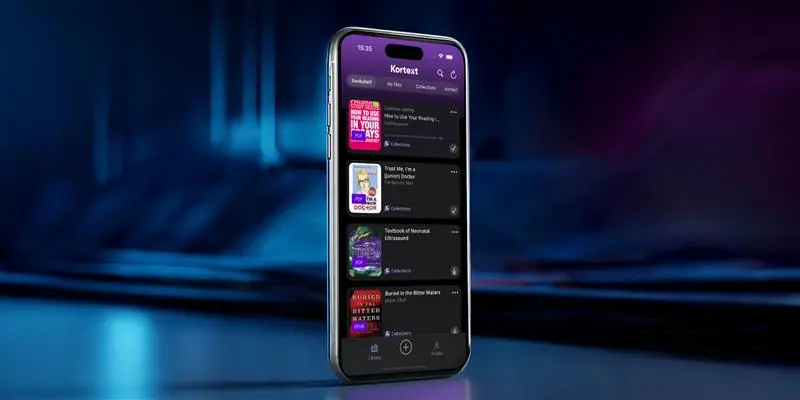

The Kortext desktop and mobile apps are evolving
Our latest mobile and desktop app update initiates a series of ongoing updates that will transition the Kortext desktop and mobile apps from an eReader to a smart study app that encourages interactive learning to drive student engagement, enjoyment and consistency with study.
Our initial release focuses on enhancing the look and feel of our apps, making navigation increasingly seamless and intuitive.
Enhanced navigation
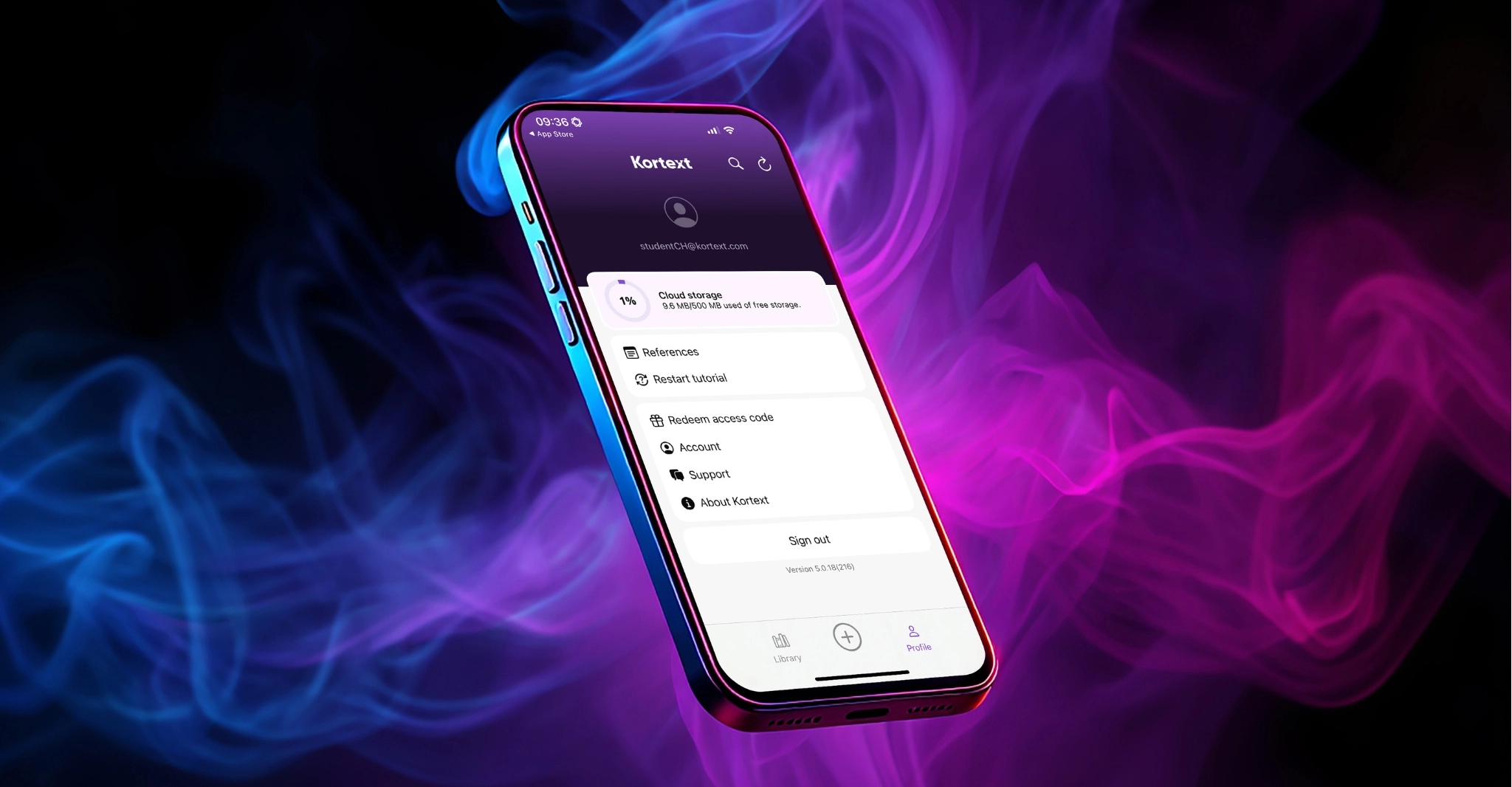
The first update you’ll notice is our navigation panel along the bottom of the screen, featuring three new buttons:
Library
This is where users will land after signing into Kortext. The library is home to all reading content and is organized into Bookshelf, My files, and Collections.
+
The plus icon provides a shortcut to upload documents to My files where users can seamlessly, store, read and study using our transformative suite of digital tools.
Profile
Clicking Profile in the bottom toolbar will allow users to review their account management options and preview their cloud storage availability. On the desktop apps, the profile menu can be reached by clicking the user’s email address in the bottom left of the library.
Intuitive enhancements
We have made additional aesthetic adjustments throughout our apps to introduce a more modern design, particularly in our book cards (thumbnails), with new colors and rounded corners. Our download button has also been updated to a more modern design.
On the Kortext bookshelf (previously named ‘My library’), we’ve introduced a new ‘continue reading’ button so users can pick up where they left off, with a handy progress bar indicating their % based on the last location in the book.
These aesthetic updates continue in Collections, where you will now see your recently viewed titles in a scroll bar at the top of the screen.
Our mobile and desktop app updates go live on September 8 so keep an eye out for an update on your device to see our changes for yourself!