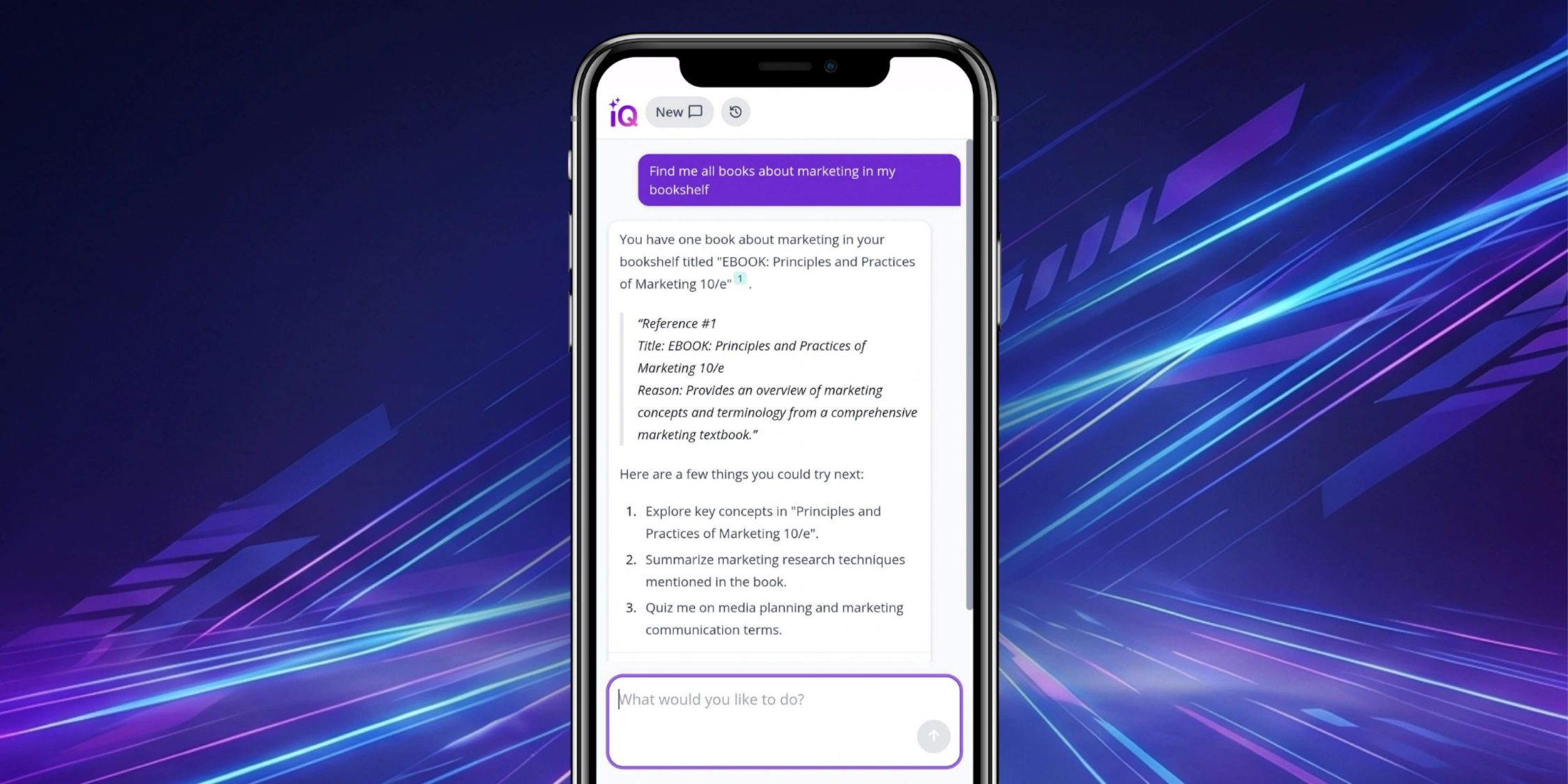


Discover our latest updates
Our September release introduces enhancements across Kortext IQ and Kortext study, helping institutions connect students with trusted scholarly research, provide contextualised AI support and deliver a more accessible learning experience.
Kortext IQ
Open access journal article references
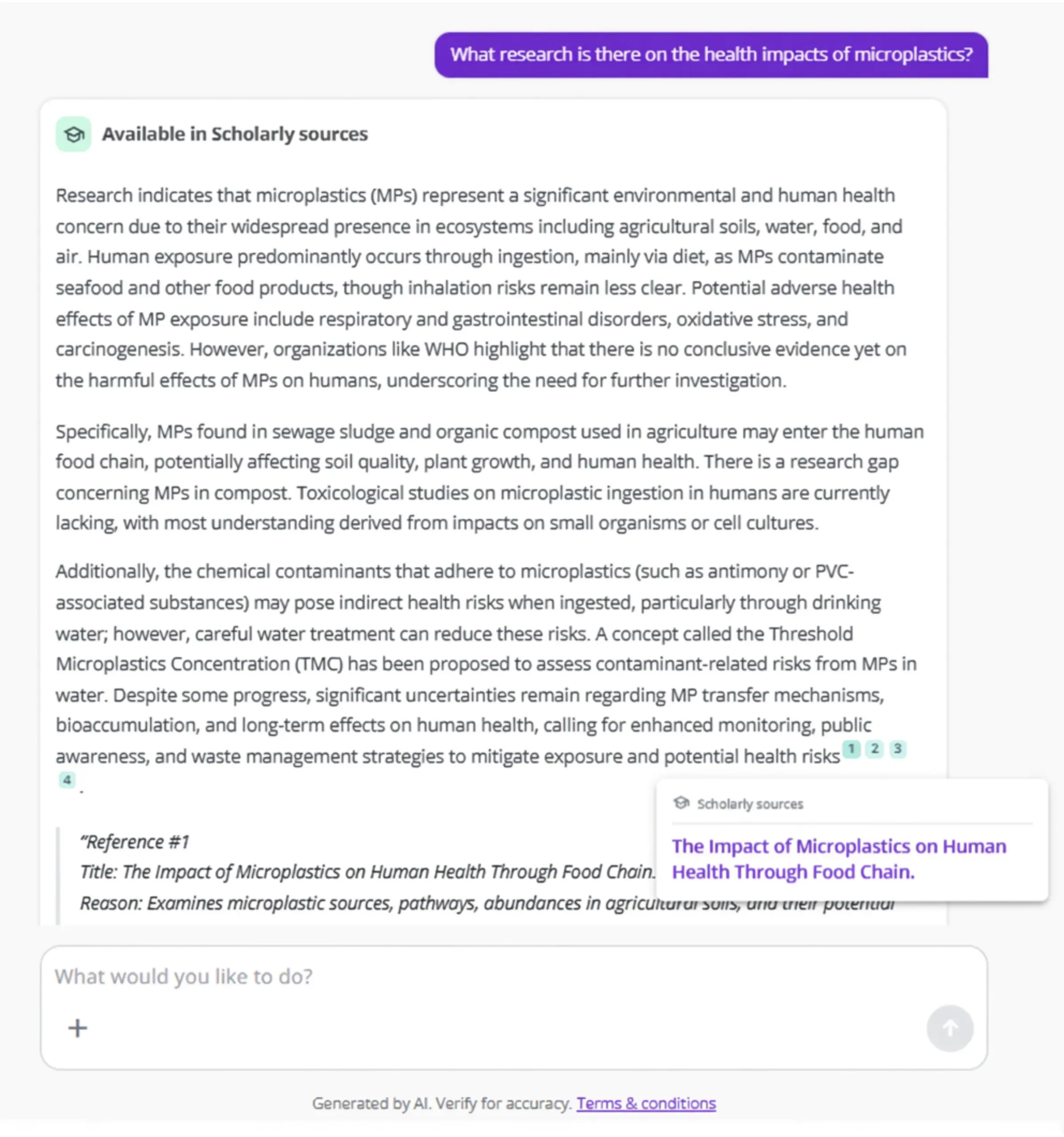
Kortext IQ can now provide references to millions of open access journal articles, helping users discover scholarly research related to the topics they’re exploring.
Articles are surfaced based on the context of each conversation, enabling IQ to connect users with relevant evidence, perspectives and further reading, supporting independent study and critical thinking.
Articles can also be automatically saved for future reference, so learners can easily revisit valuable research and apply the full range of eReader study tools to this content.
Available on request: please contact your account manager to enable this feature.
More scholarly sources through Collections
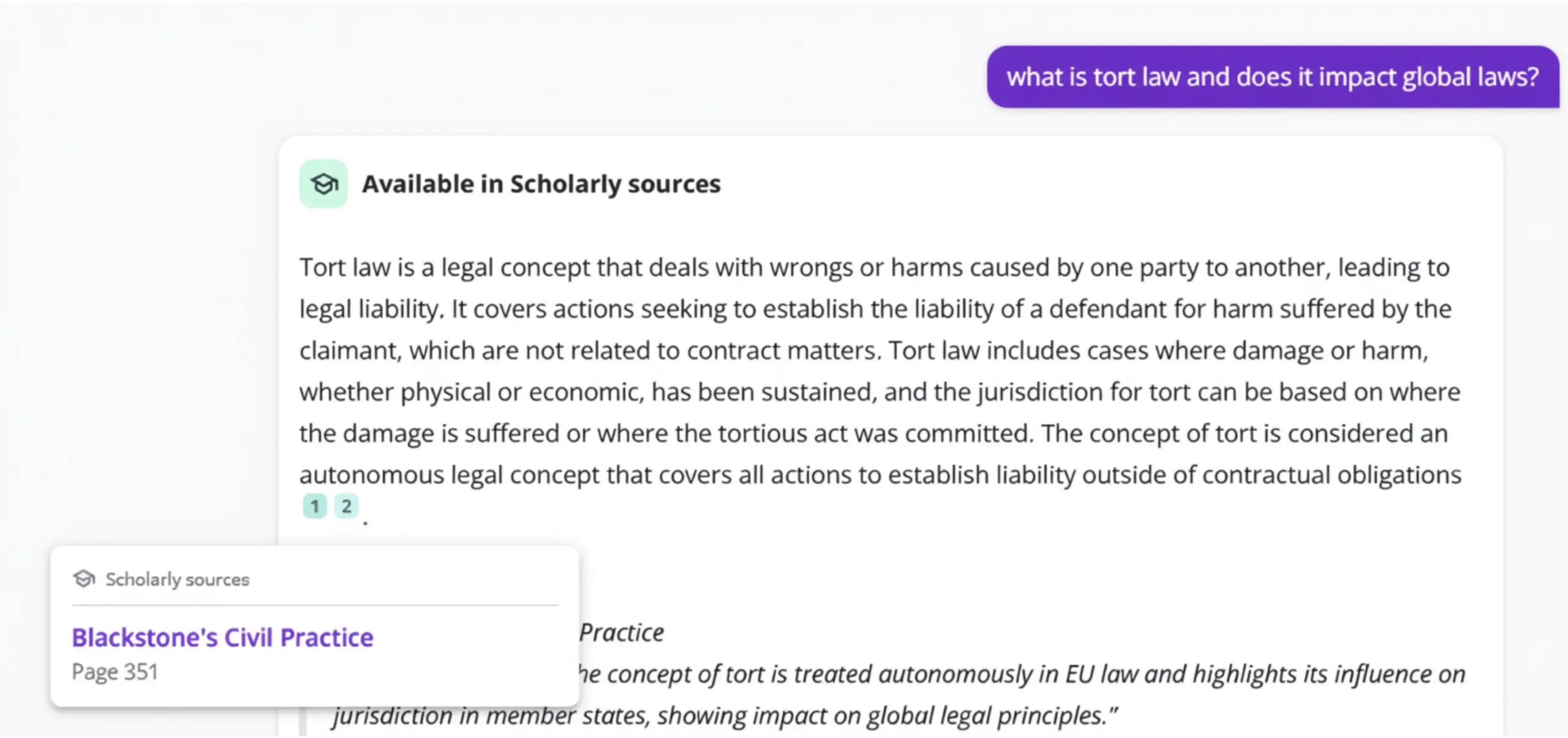
When enabled by an institution, Kortext IQ now references eBooks held within Collections in My bookshelf, including 40,000+ open access titles from the Kortext Open Resources Collection (KORC).
References from Collections are clearly identified as scholarly sources, helping students identify and explore relevant academic materials more easily.
By surfacing trusted content within the flow of learning, students can engage with a wider range of resources as they study.
Direct file upload in chat
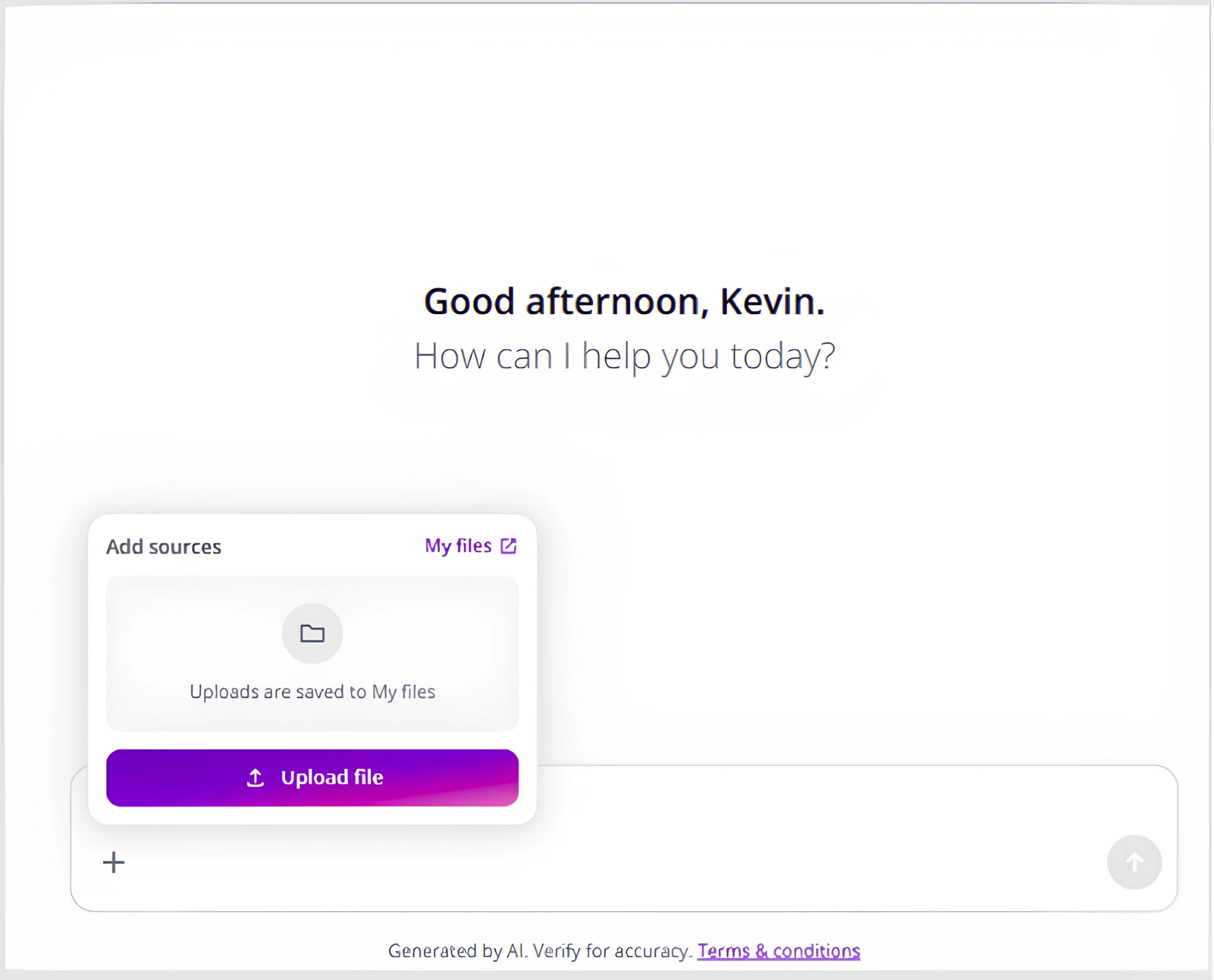
Users can now upload files directly into a Kortext IQ conversation, allowing them to ask questions about lecture slides, handouts, notes and PDFs.
This enables more contextualised support based on the materials they’re studying, helping users engage more deeply with course content.
Uploaded files are automatically saved to My files in Kortext study, making it easier to continue learning and revisit materials later.
Kortext IQ floating action button in Moodle
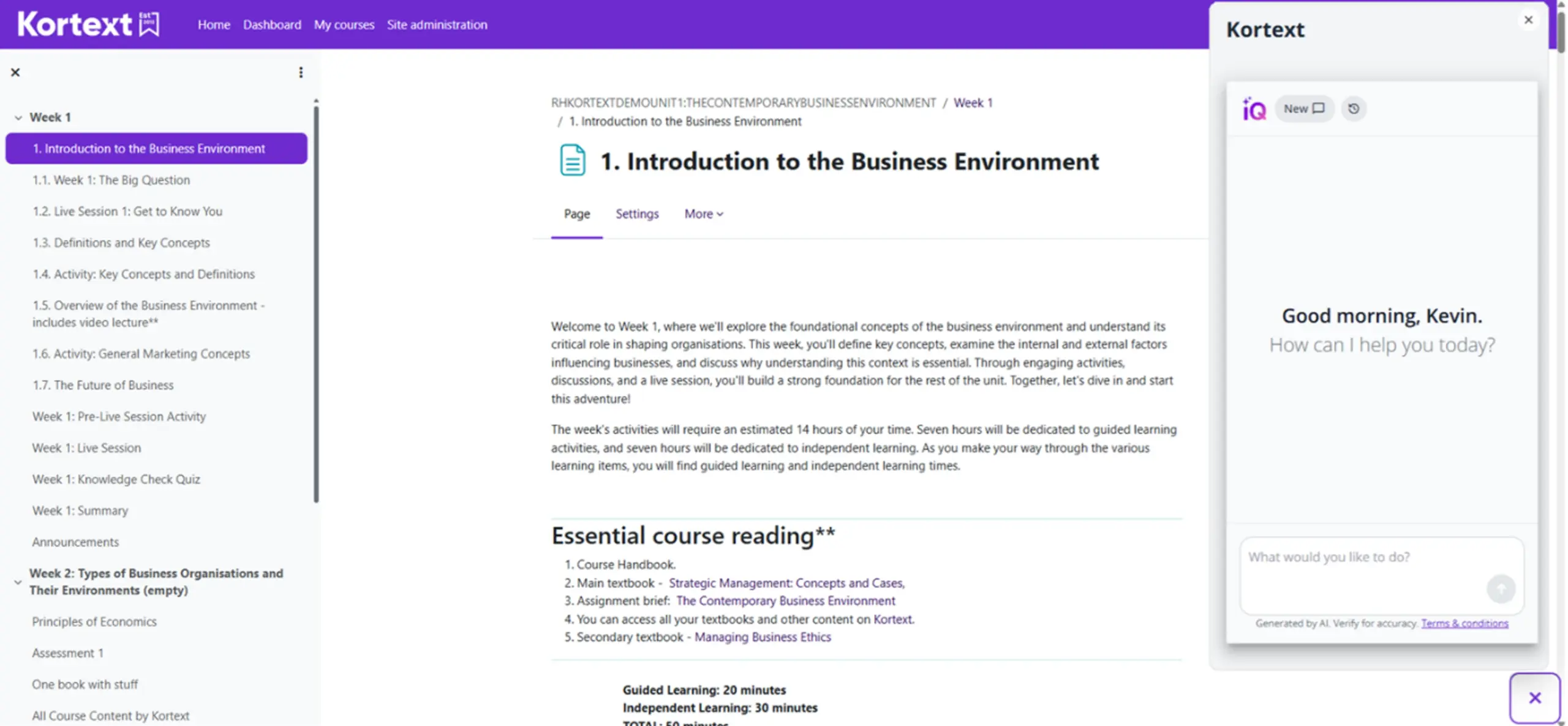
The Kortext IQ floating action button is now available in Moodle, giving students and instructors instant access to Kortext IQ from anywhere in the VLE.
By removing extra navigation steps, the update makes AI support more visible, accessible and convenient to use within a familiar learning environment.
Curious about Kortext IQ? We’re running three short demo sessions in October so you can see our AI assistant in action. Book your session here.
Kortext study
Additional read aloud voices
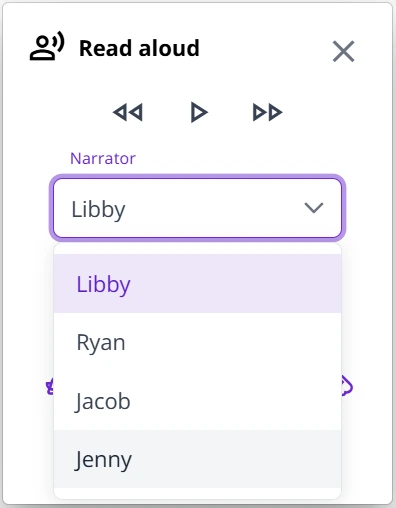
Read aloud now includes two additional narrator voices with American accents, bringing the total number of available voices to four.
The platform automatically selects the most appropriate accent based on a user’s language settings, creating a more natural and accessible listening experience.
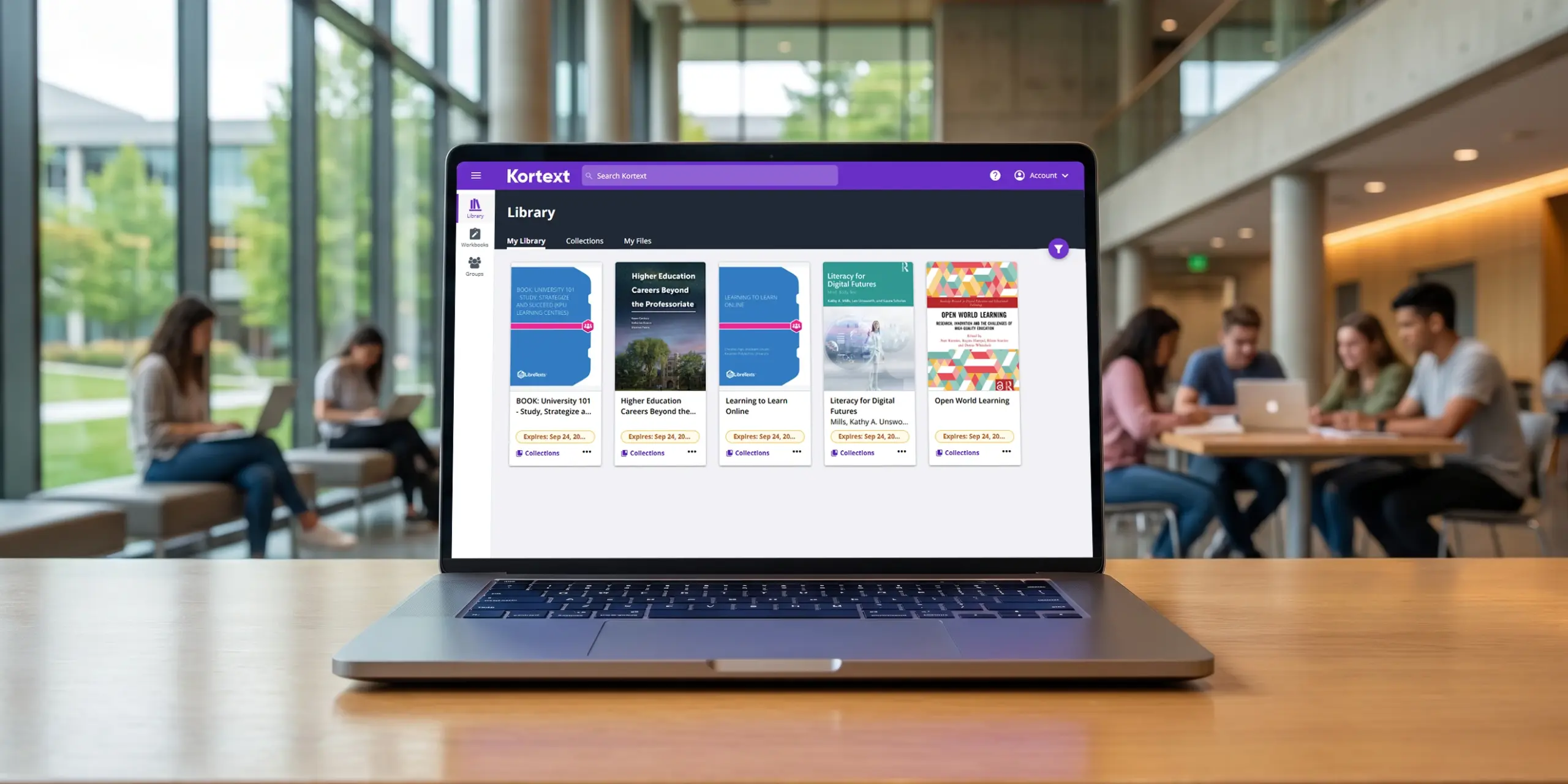
My library is now My bookshelf
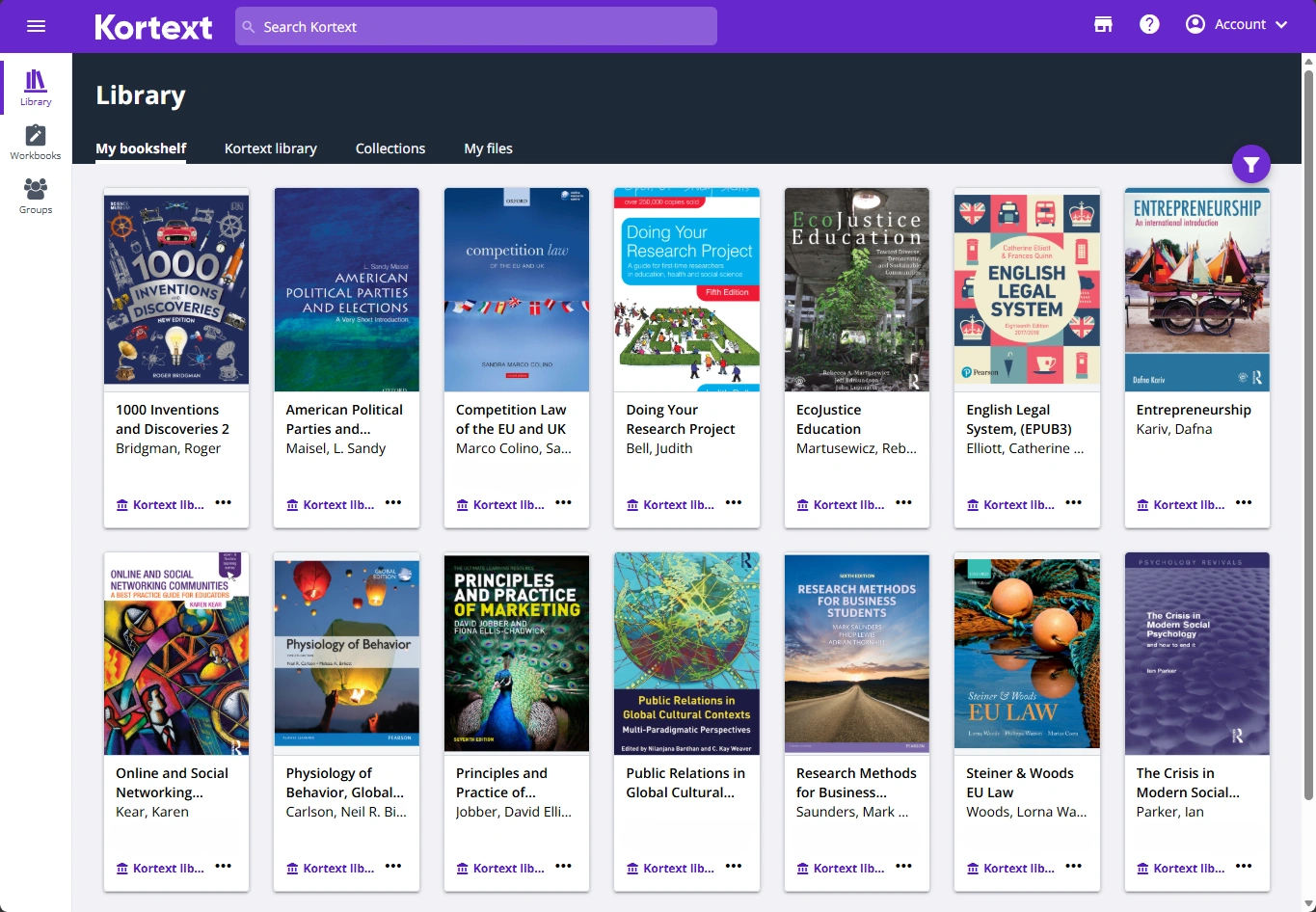
My library has been renamed My bookshelf to better reflect where users access their resources in the Kortext app and reduce confusion with their institution’s library.
Explore our July 2026 product update, covering enhanced analytics reporting, improved learner engagement insights and new personalised learning capabilities within Kortext IQ.