
Discover our latest updates
Our October release introduces Scottish Gaelic as a new language option across Kortext acquire and the Kortext eReader, alongside easier account switching and greater control over scholarly sources in Kortext IQ.
Kortext acquire and the Kortext eReader
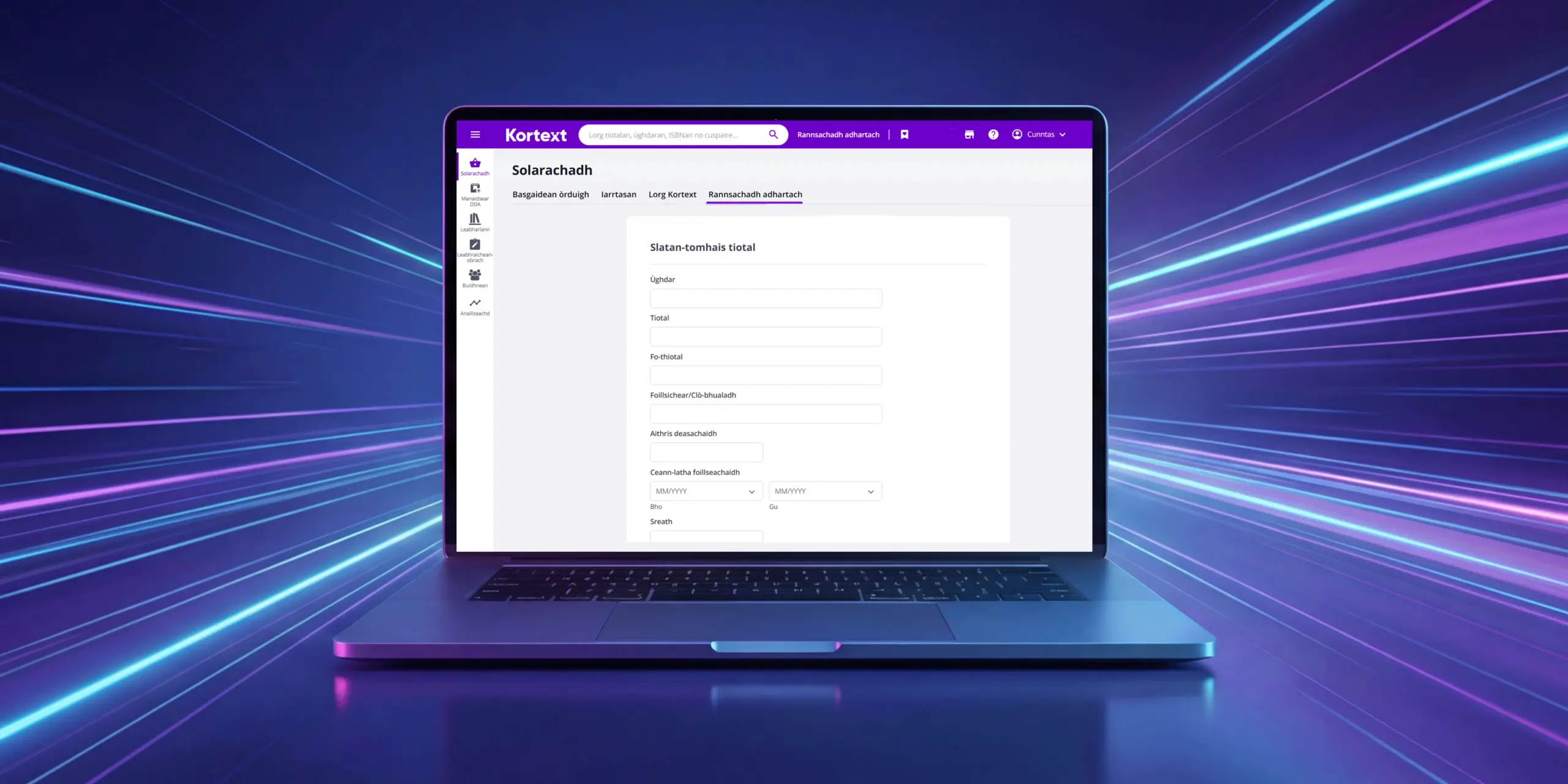
Scottish Gaelic now available
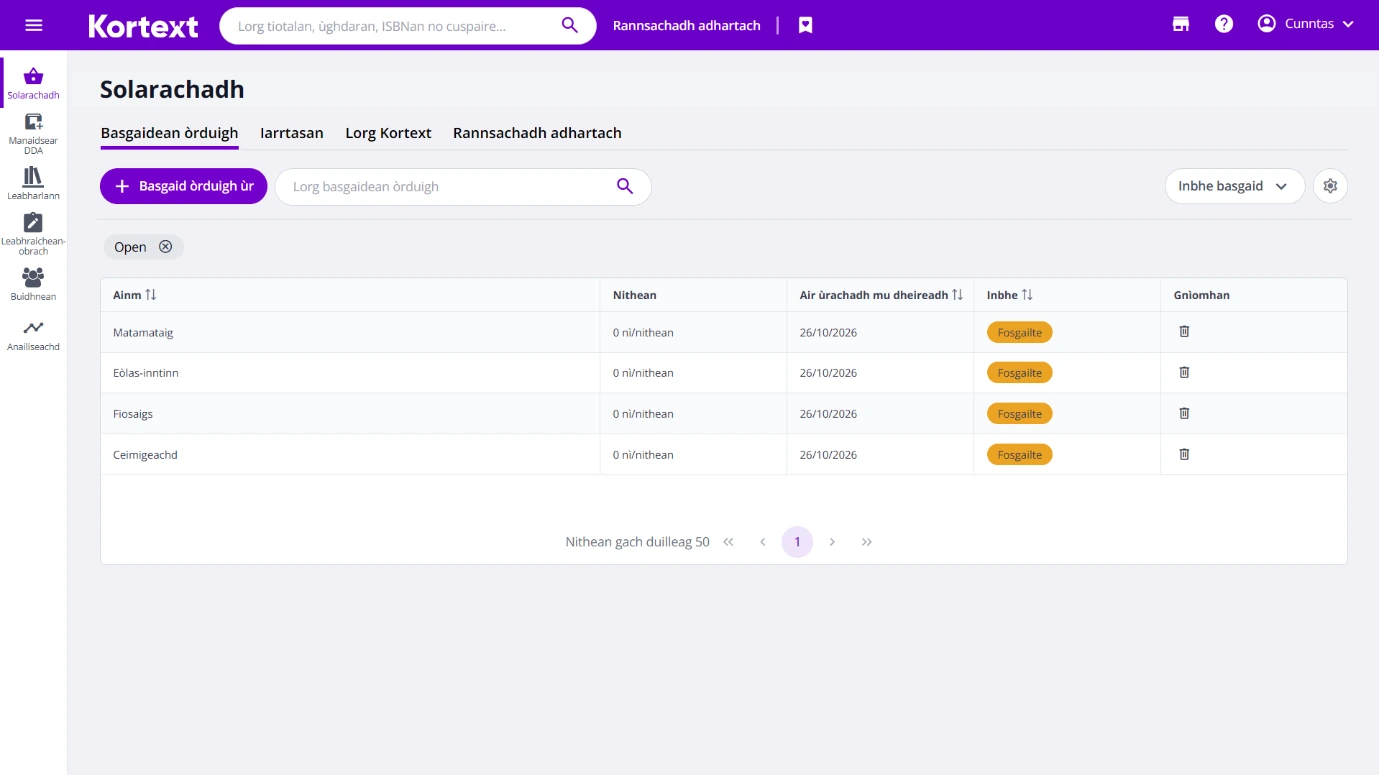
Users can now choose Scottish Gaelic as an interface language in Kortext acquire and the Kortext eReader, making it easier to navigate and use Kortext in a preferred language.
In Kortext acquire, select Account, go to Language and choose Scottish Gaelic. In the Kortext eReader, go to Display options and select Scottish Gaelic from the Interface language settings.
Kortext accounts
Easily switch between Kortext accounts
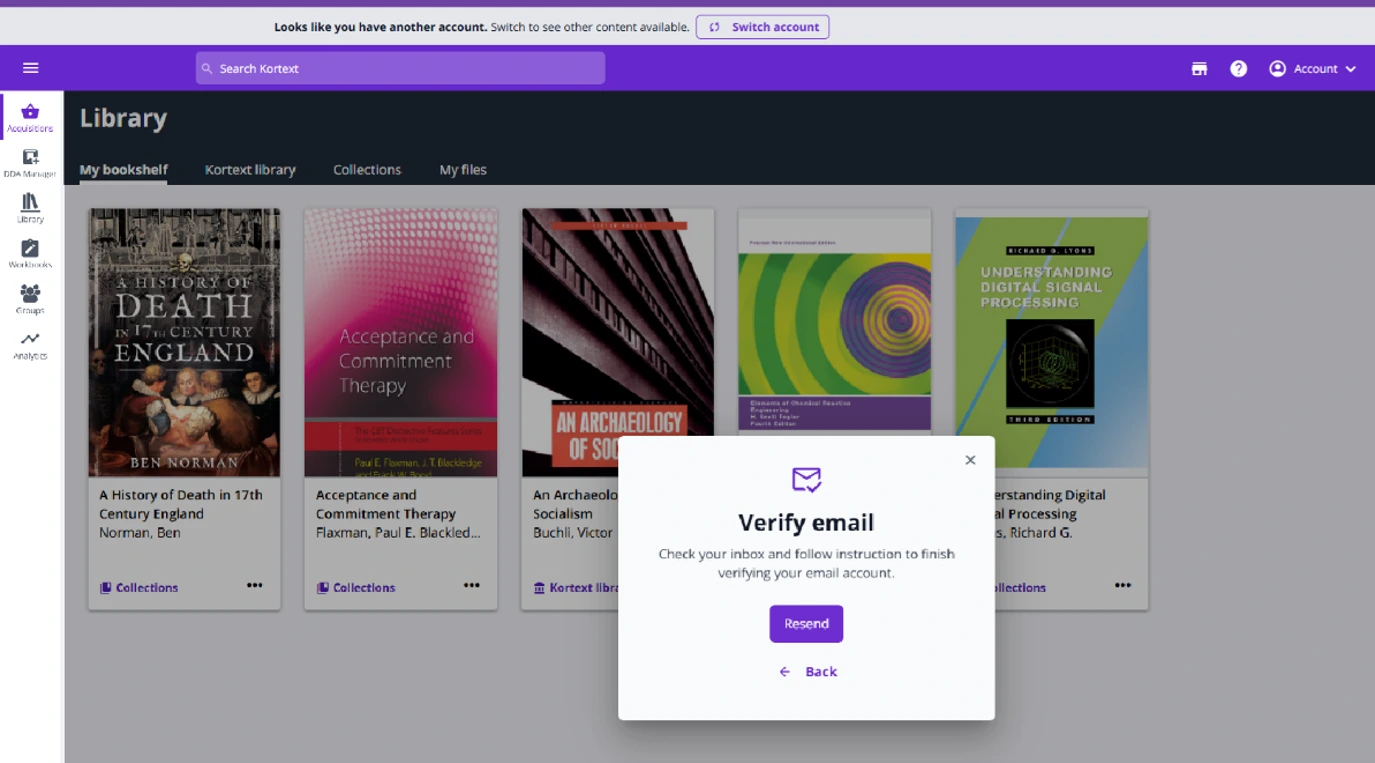
If you’re based in the UK or internationally (excluding North America) and have both UK/rest of world and North American Kortext accounts, you can now switch between them without signing in again.
In some cases, you may have accounts in both regions without realising it, for example if your content or access has been supplied through different providers.
Kortext will check for another account using your verified email address and, if one exists, you can switch between the two accounts in just a couple of clicks.
The first time you switch, you’ll be asked to verify your email address. This is a one-time security check. After that, switching between your accounts is simple – just select the relevant option from the Account menu.
When you switch, your other account opens in a new browser tab, so you can stay signed in to both and move between them easily. Your accounts remain separate, meaning books, notes and other content aren’t transferred or merged.
If you only have one Kortext account, you won’t see the option to switch and there’s nothing you need to do.
Kortext IQ
New Scholarly Sources button for VLE/LMS
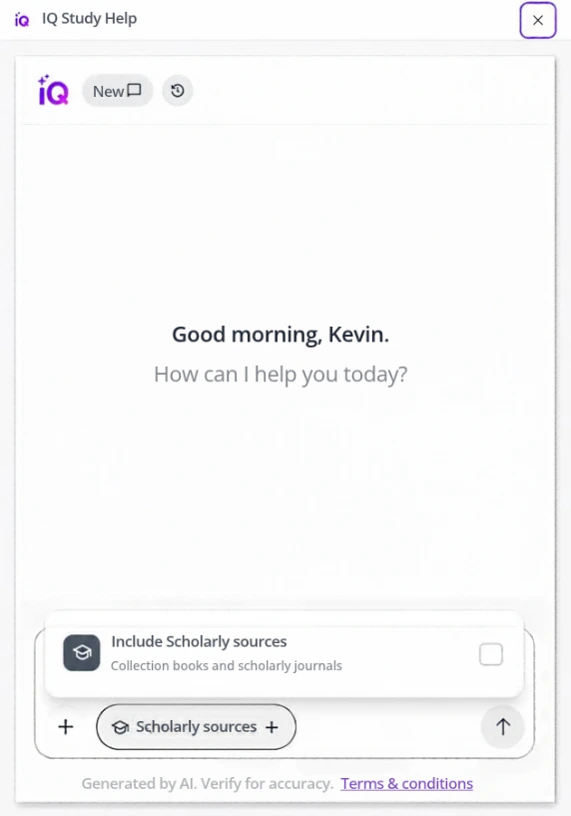
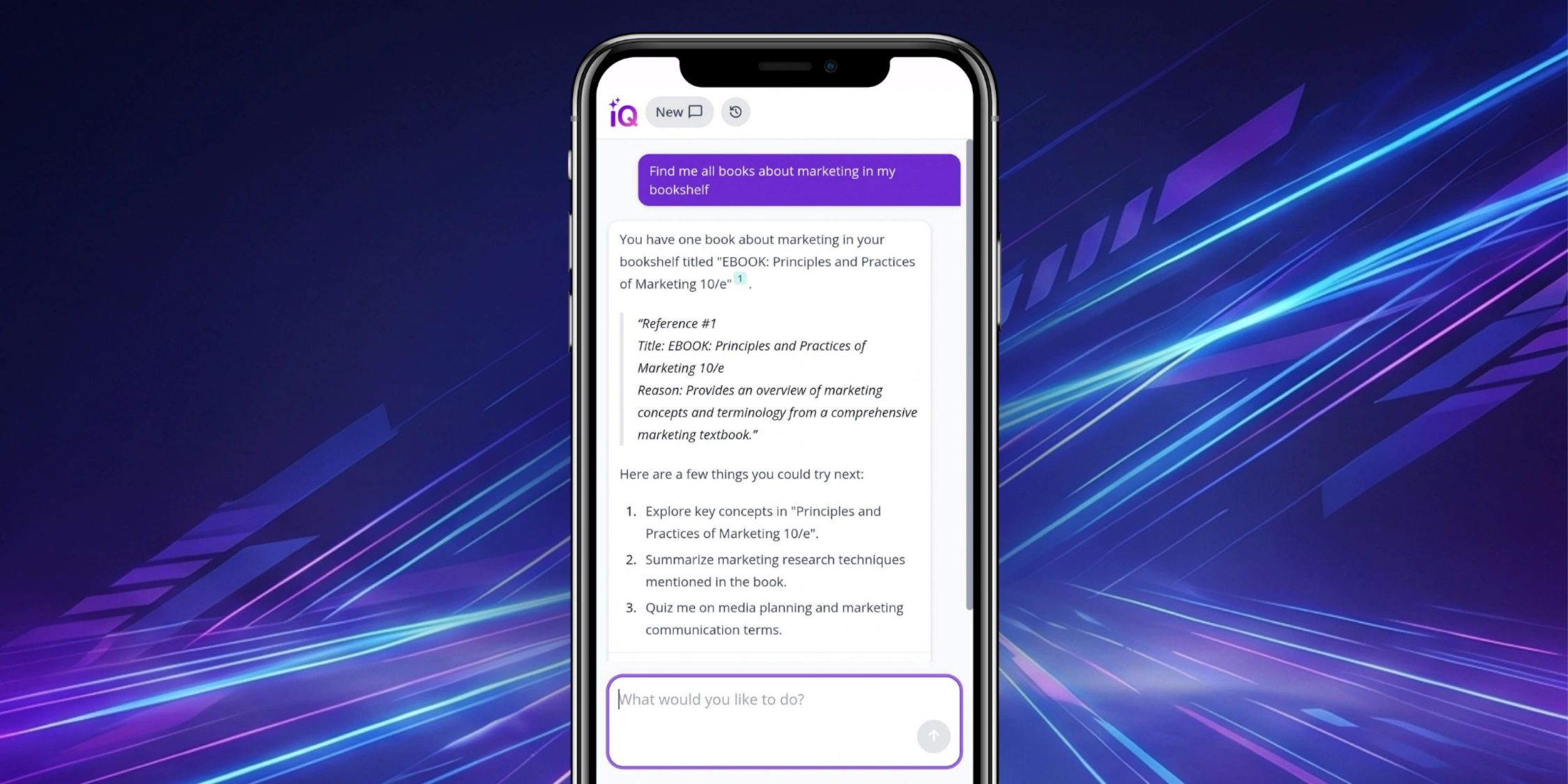
Kortext IQ now includes a Scholarly Sources button within VLEs/LMSs, giving students greater control over the sources used to generate responses.
Students can restrict responses to content from their Kortext bookshelf or expand them to include relevant scholarly sources, such as open access journals and books.
Sources are surfaced based on the context of each conversation, connecting students with relevant evidence and perspectives to support independent study and critical thinking.
Available on request: please contact your account manager to enable this feature.
Explore our September 2026 product update, covering how we’re helping students access trusted academic research, receive contextualised support and learn in ways that suit them best.