

Ten tips for using Kortext stream to support new student transition
Effective transition to university is complex, takes time and is neither linear nor uniform. For personal tutors or academic advisors, it’s important to help your students and tutees to start their time at university well.
Here at Kortext stream, we know that student engagement data can help to provide early insights and knowledge during the initial transition process.
With that in mind, here are ten tips for using Kortext stream to support new student transition.
1. Familiarise yourself with policy and process changes
Enhancements to Kortext stream can result in changes to your student support ecosystem. Do you know how you are expected to meet and support your students?
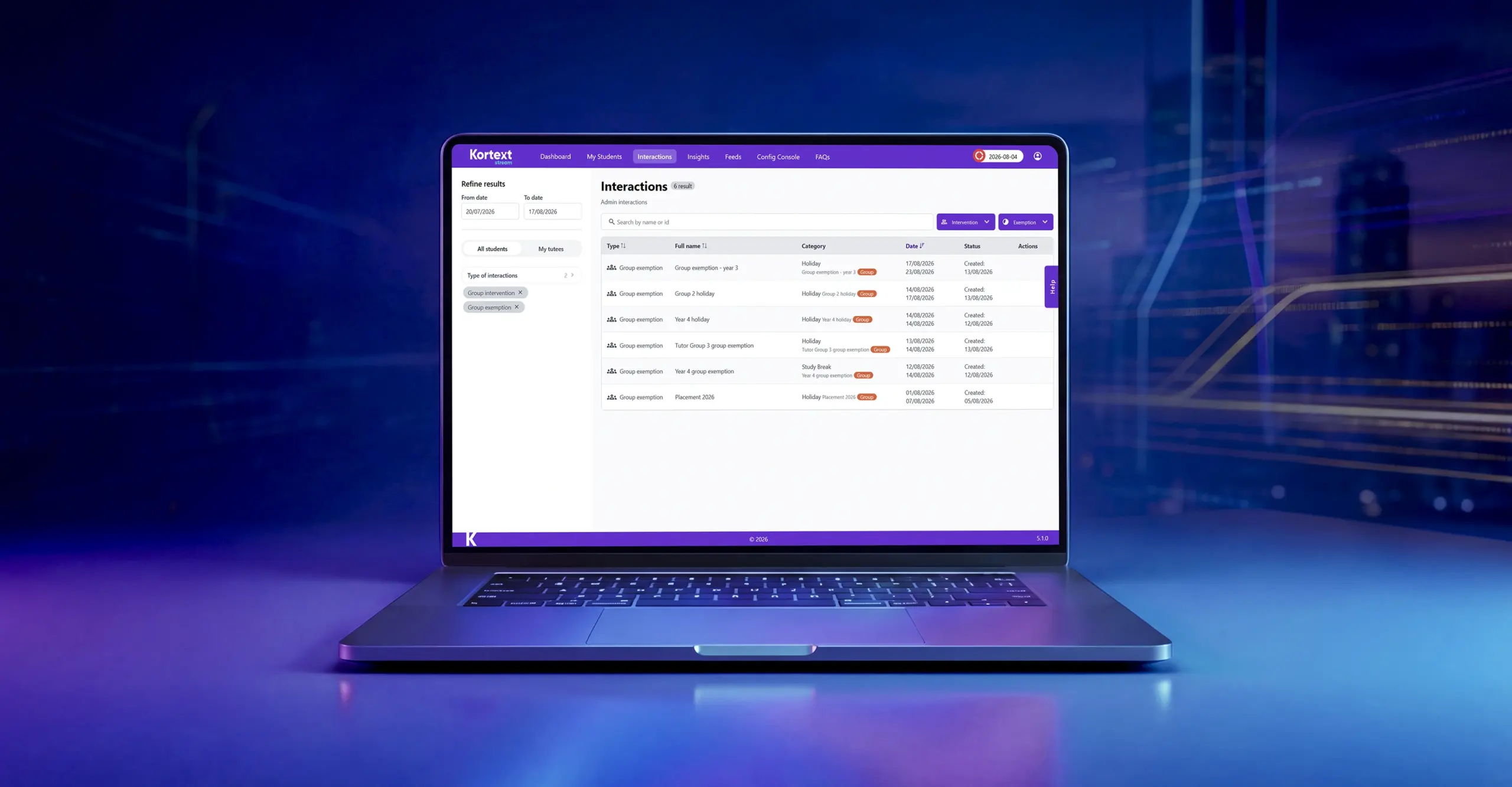
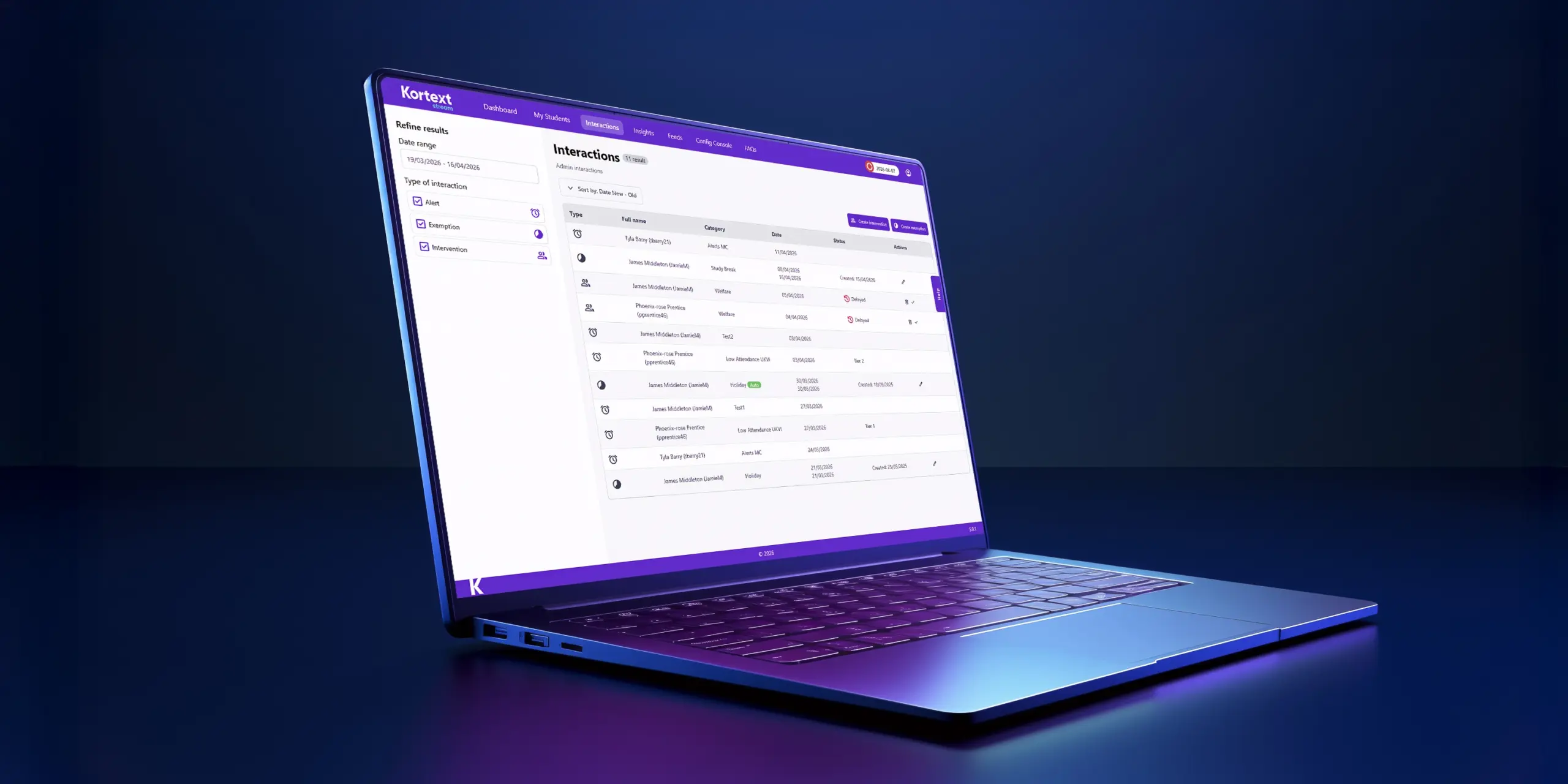
Remind yourself of the process for closing interactions once any agreed actions are complete or a specialist support service has picked up a referral. Knowing that an effective referral has taken place is reassuring and allows you to concentrate on live issues that need your input and expertise.
2. Check stream regularly
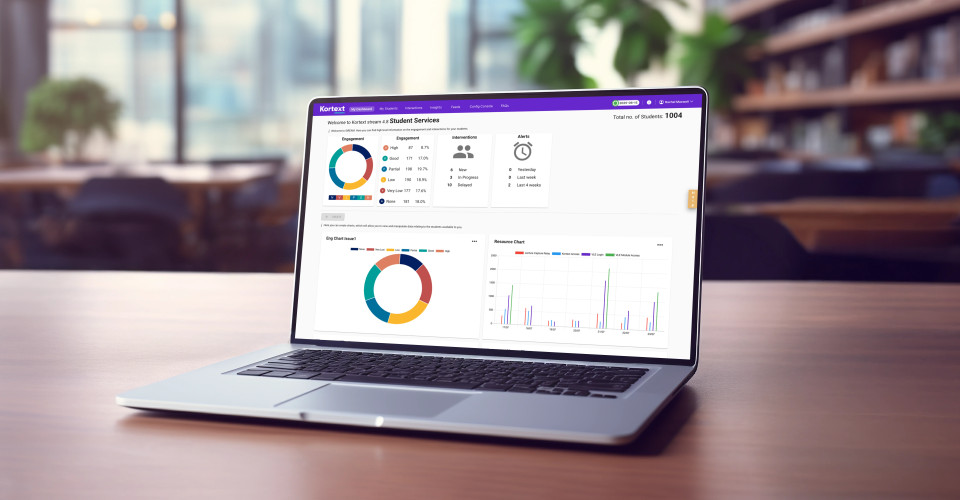
It’s not only students who need to develop good habits. Creating a regular slot in your day/week/month (aligned to policy requirements) helps ensure you identify possible risks to engagement as early as possible.
Check which students are at ‘risk’ – typically those with ‘none’, ‘very low’ or ‘low’ engagement. These are the students who would benefit most from a friendly outreach and support conversation.
3. Investigate signpost and referral options
Whether in-person or online, bookable or self-service, your university has a plethora of resources and services available at point of need.
Investigate signpost and referral options in the interaction/intervention panel. If something is missing, why not ask your stream project team to include them?
4. Add student photos
Student photos are great for associating learning activity with individuals. If your university isn‘t (yet) including student photos in stream, why not ask your project team if they can be added? We made enhancements to the secure storage of these images in v4.8.1 in response to client feedback.
5. Check student profile information
Student profile information is a useful read before any 1:1 student meetings. It takes less than a minute but, depending on the information provided by university, can provide useful conversation starters.
Whether entry tariff points, first generation or additional support needs information, an early ‘heads up’ can help you to sensitively explore factors that might impact their engagement and signpost to relevant support services – all without making any presumptions of risk.
6. Be proactive
Group tutorials or regular 1:1 sessions with students are great opportunities to check-in with all your students – not just those who are taking longer than others to settle into university life.
Inbuilt functionality like filters and groups helps you easily manage actions on behalf of multiple students at once. Creating tutor groups and using them to record attendance at tutorials for example, can help ease the process of transition-in activity.
7. View stream with your students
Kortext stream is designed to be used collaboratively with students. The data that you see is the same data that they can see about themselves (subject to point 8 below). So when you meet with them, ask them to log in and begin to explore the platform together. This way, students will realise that they can take agency over their own learning and check on their activity independently.
8. Discuss the value of cohort comparisons
The resource page provides staff with information on how frequently an individual student is using each of the different learning resources compared to the average use of those same resources by the rest of their cohort.
Use this information with your students in a tutorial setting to help identify where students may be struggling to develop the right kind of learning behaviours or where a gentle nudge could help strengthen their understanding.
9. Support students to self-serve
Activating the ‘help’ button means that students can quickly be signposted to help and support at any time. Think broadly about the ‘themes’ that define student support enquiries.
We often see them explained as follows, with links to relevant information on the student hub webpages:
a. I need academic support
b. I need pastoral support
c. I need disability support
d. I need accommodation support
10. Use assessment results to understand progress
I’m a huge advocate for the inclusion of assessment information in stream. Assessment item information is better than module level information, but information on submission/non-submission is better still.
As a result, v4.8.1 includes the ability to send notifications out for non-submission of assignments, making it easy to act at critical points in the student learning journey.
Being familiar with your regulatory framework around submissions, extensions and mitigating circumstances is helpful here. Are there conditions under which your students can submit late (i.e. with no extension or deferral) but still receive a bare pass grade (assuming the quality of the submission warrants it)?
Arguably, and where appropriate, it is better to submit late but close to the relevant teaching than to defer to the end of the year. If you pass – great, that’s another assignment completed. If you fail then you have valuable feedback to help with your resit.
We’re here to help
Our Product Steering Group for Kortext stream meets regularly and we’re always keen to hear from you about how we can improve what we do so you can improve what you do.