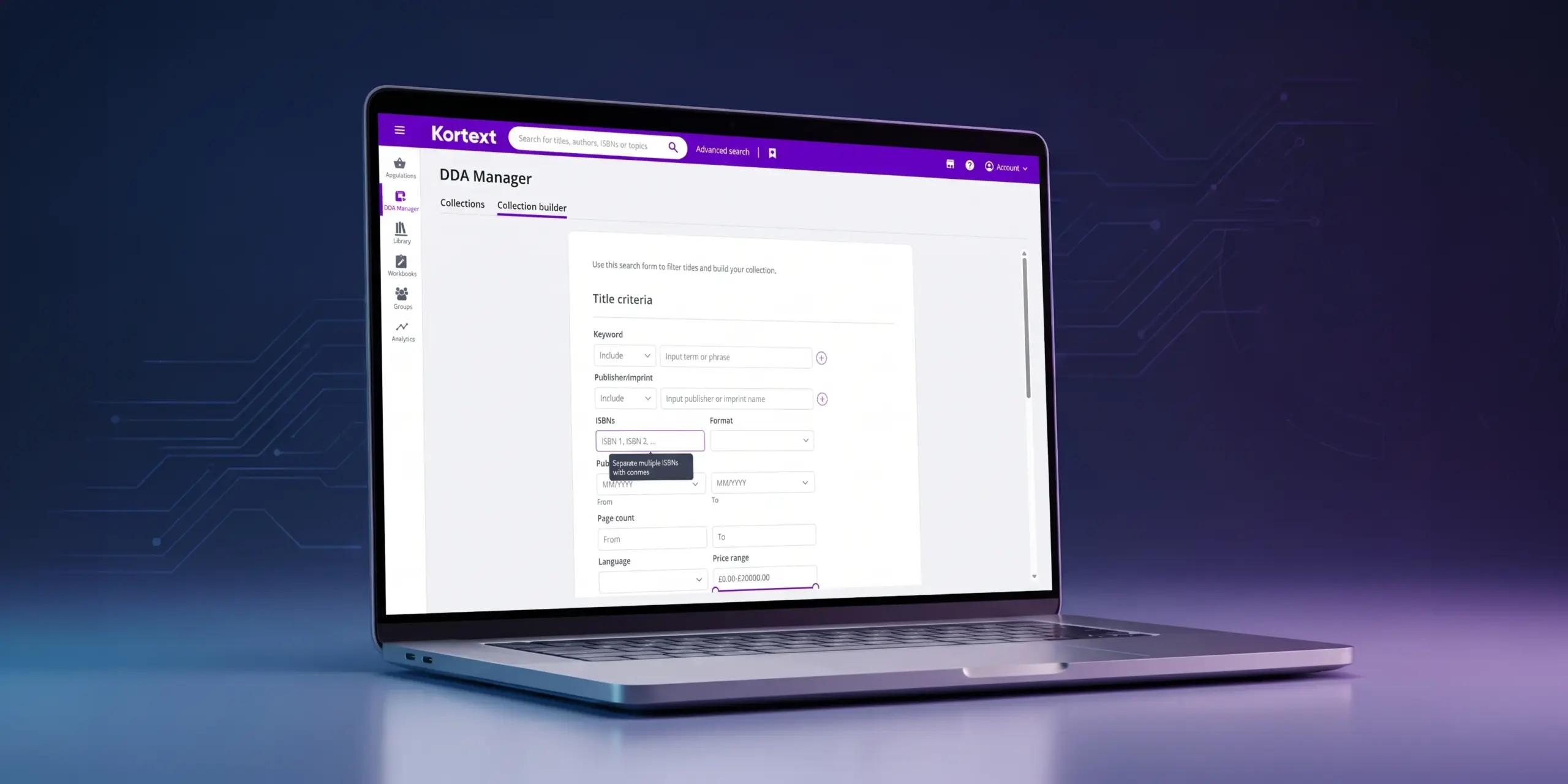

Discover our latest updates
In our November platform update, we’re making it easier to access Kortext IQ in Blackboard Ultra, navigate Kortext in more languages, and find titles faster in DDA Manager with ISBN search.
Kortext IQ
Kortext IQ now one click away in Blackboard
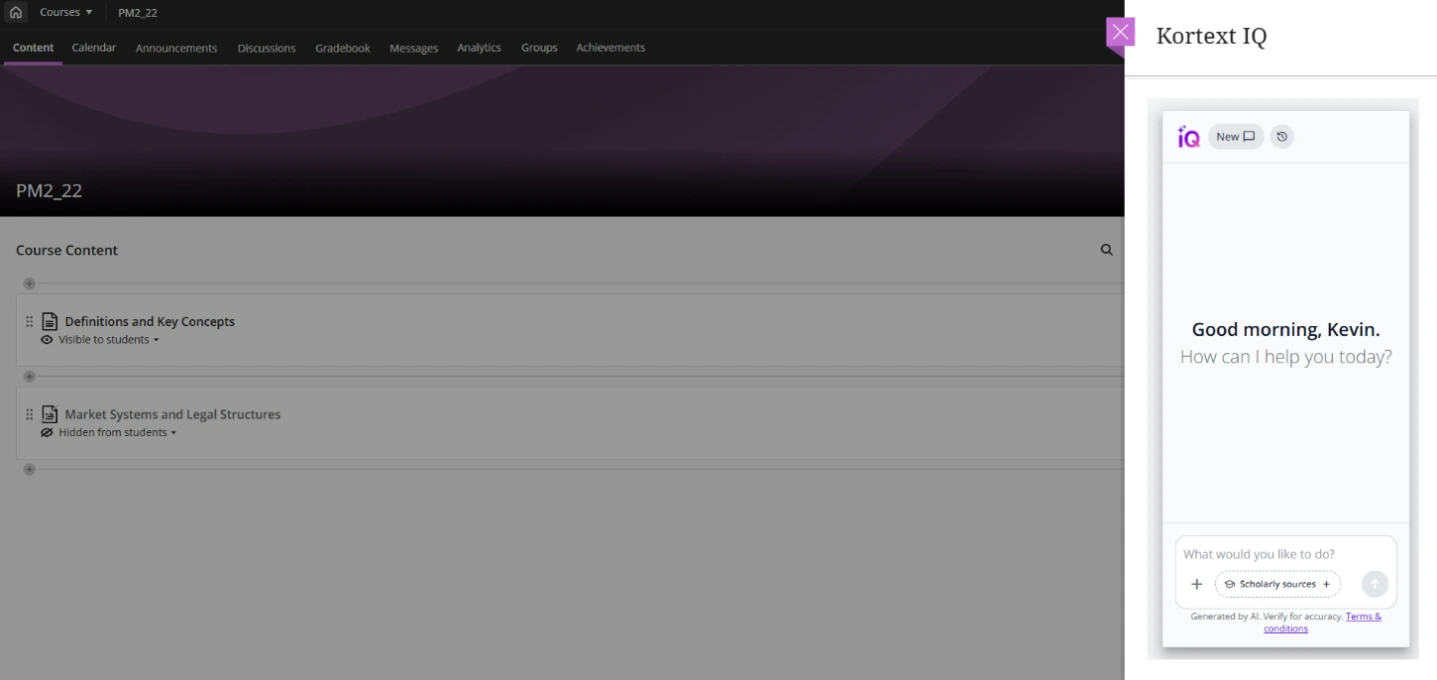
Kortext IQ now opens in a side panel within Blackboard Ultra, giving students and instructors quick access to AI support without leaving their course page.
Save to Notes button
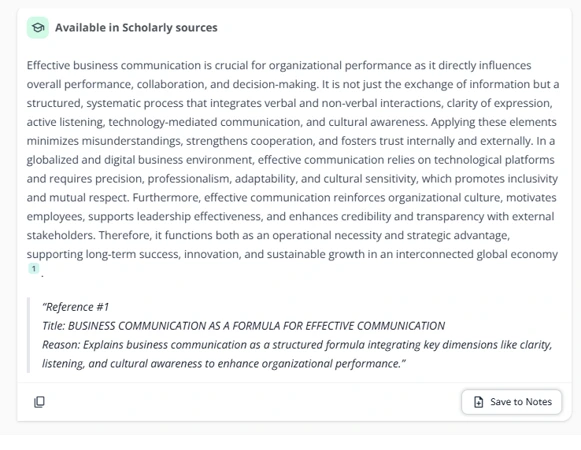
Students can now save useful Kortext IQ content directly to their notes with the Save to Notes button, making it easier to return to key information as they study.
Kortext acquire and the Kortext eReader
Irish Gaelic, European Portuguese and Brazilian Portuguese now available
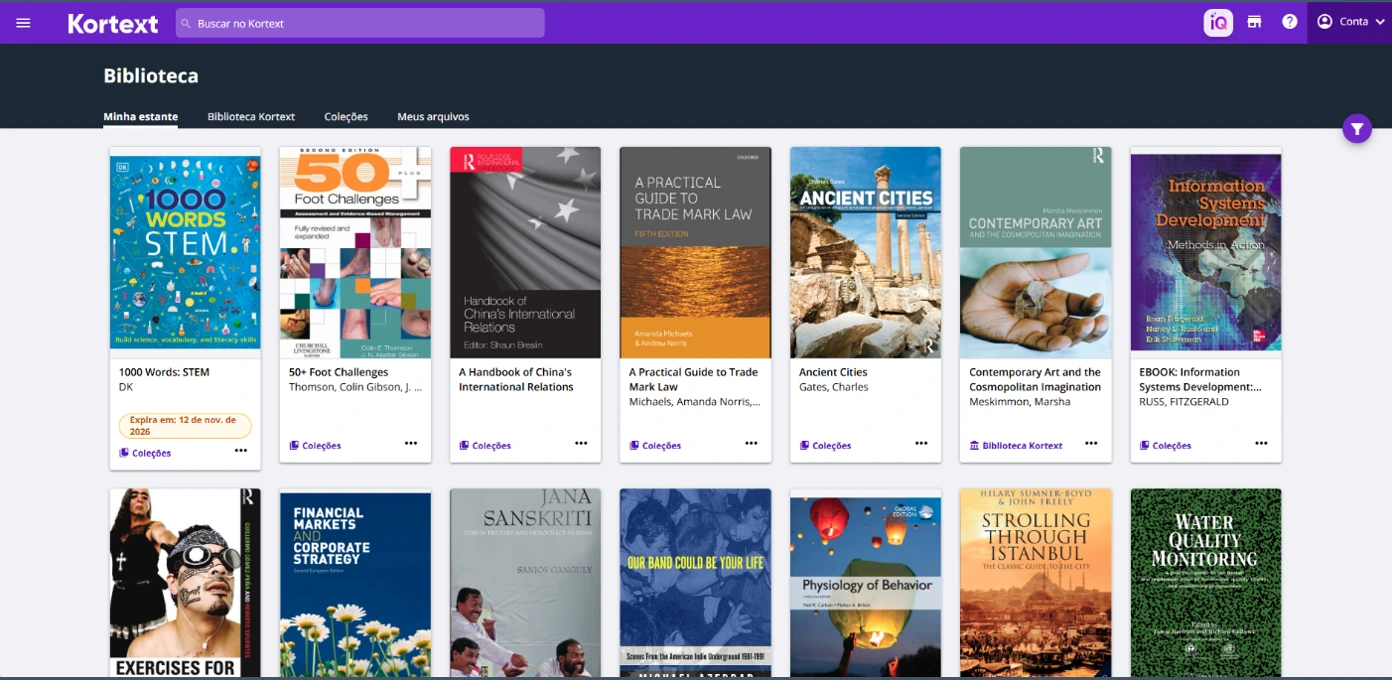
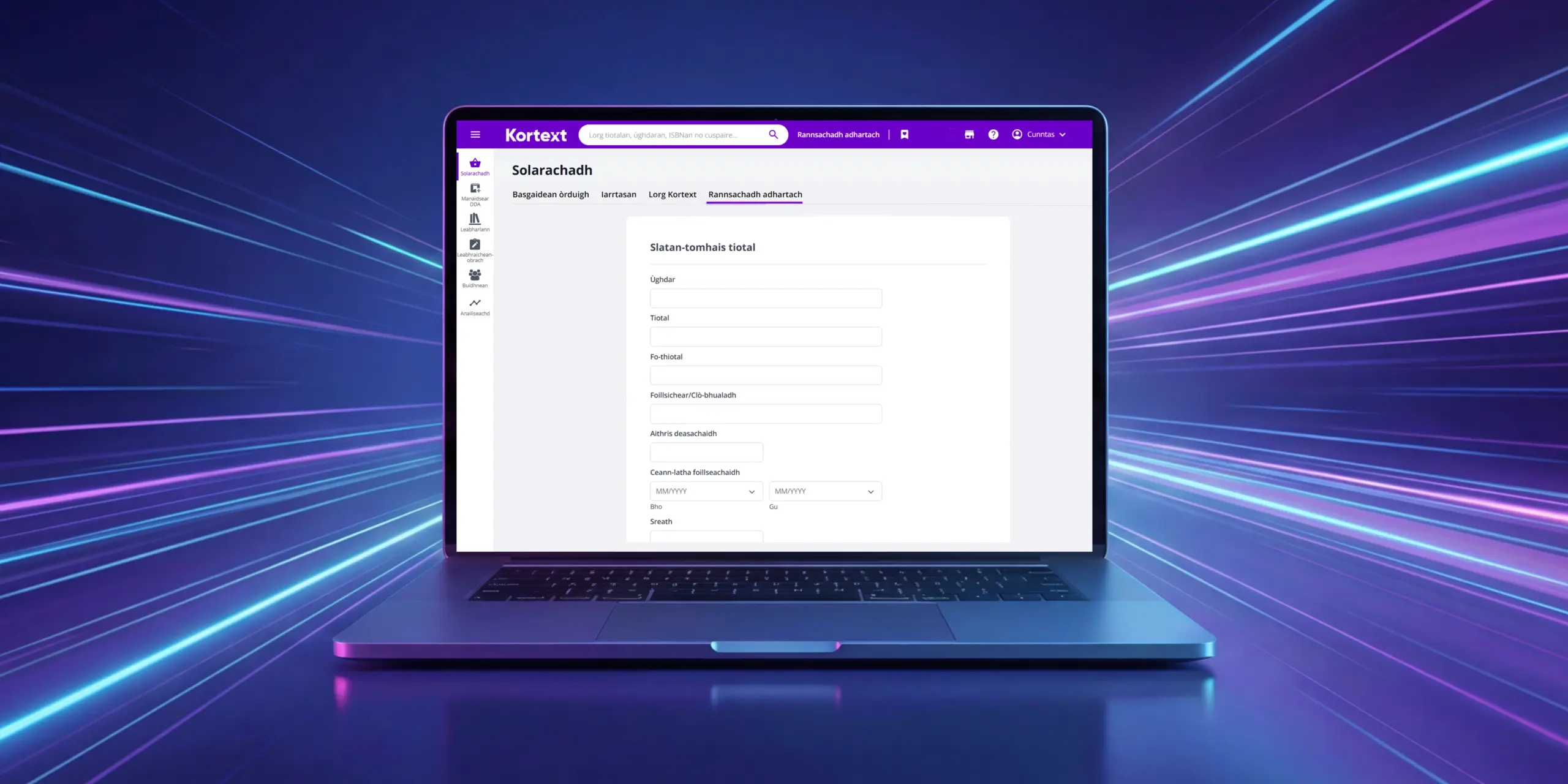
Users can now choose Irish Gaelic, European Portuguese or Brazilian Portuguese as their interface language in Kortext acquire and the Kortext eReader, making it easier to navigate Kortext in their preferred language. Languages can be selected by individual users or set as the institution default.
Update your language in Account > Language in Kortext acquire or Display options > Interface language in the Kortext eReader.
Kortext acquire
DDA Manager: new search by ISBN
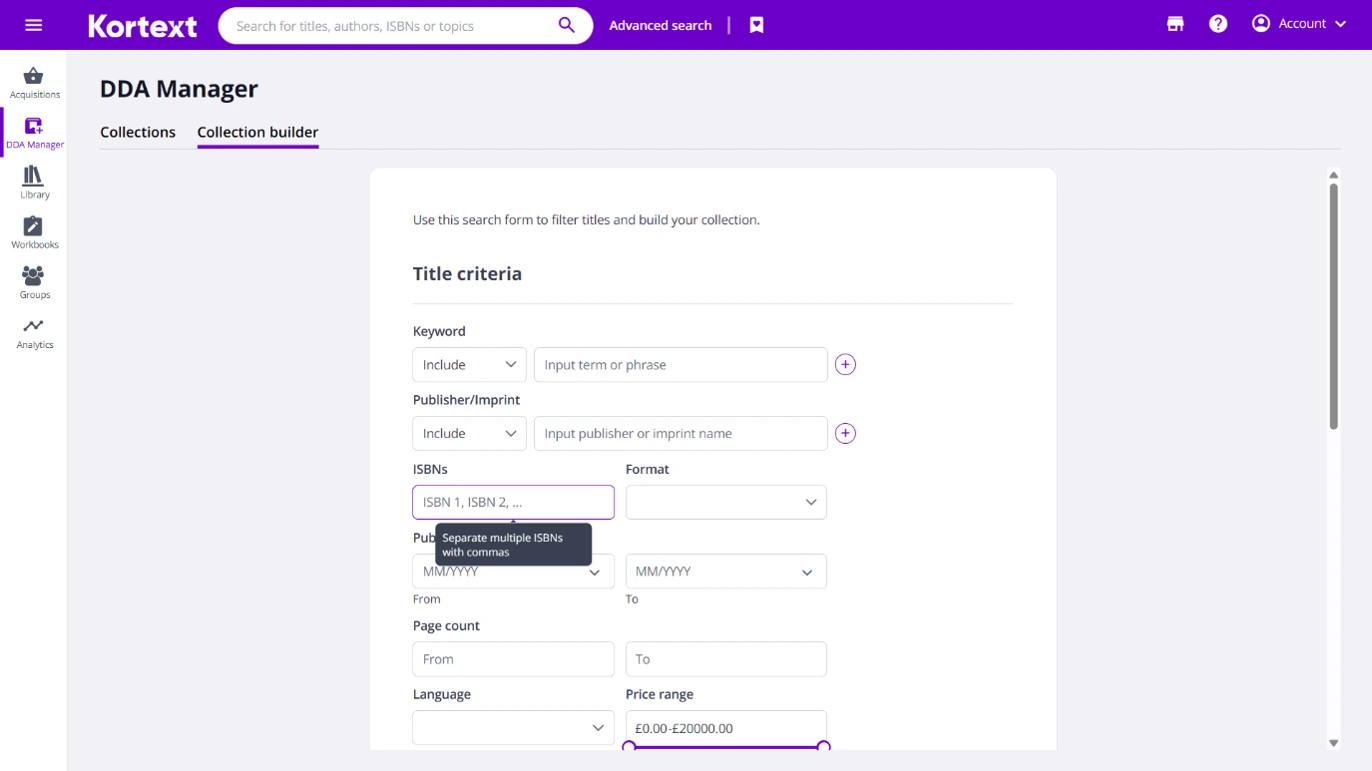
Kortext acquire users with DDA Manager enabled can now search by ISBN in DDA Collection Builder, making it quicker and easier to find specific titles for DDA collections. Simply paste one or more ISBNs to find the exact titles and editions you need.
Explore our October 2026 product update, covering additional language choice, easier switching between Kortext accounts, and greater control over scholarly sources in Kortext IQ.